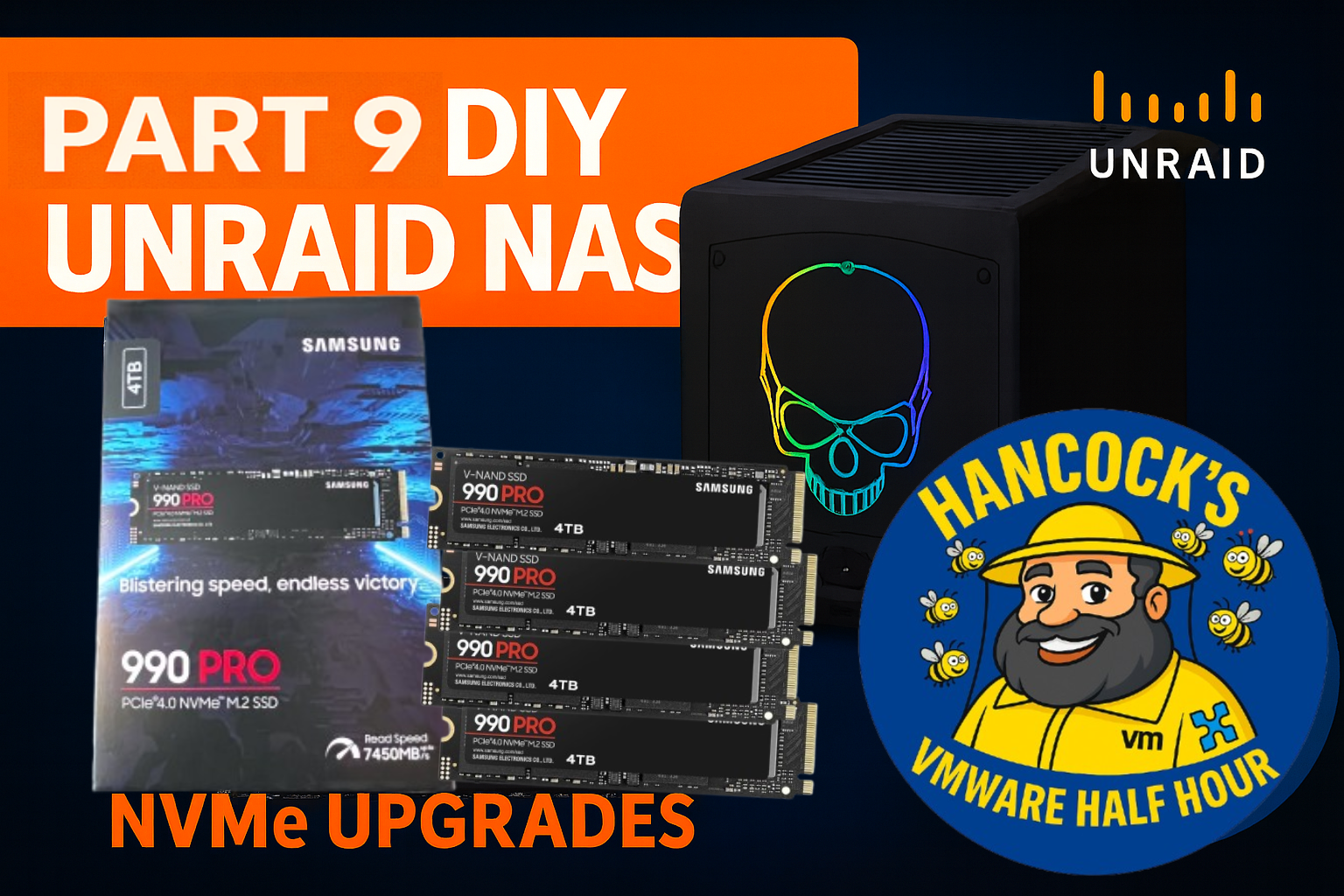
DIY UnRAID NAS – Part 9: NVMe Upgrades
In Part 9 of the DIY UnRAID NAS series, we finally tackle one of the most requested upgrades —
NVMe cache expansion.
This episode covers upgrading the UnRAID cache pool using Samsung 990 PRO 4TB NVMe SSDs,
walking through the hardware changes, UnRAID configuration, and the impact on performance.
What’s covered in Part 9
- Removing NVMe devices from PCI passthrough
- Rebooting and validating UnRAID hardware changes
- Why UnRAID is used instead of vSAN in the homelab
- Upgrading and rebalancing the NVMe cache pool
- Btrfs RAID1 behaviour and live rebalance
- Firmware considerations for Samsung 990 PRO NVMe drives
Why NVMe Matters in UnRAID
NVMe cache drives dramatically improve Docker, VM, and application performance in UnRAID.
With fast PCIe 4.0 NVMe devices, write amplification is reduced, cache flushes are faster,
and overall system responsiveness improves — especially under mixed workloads.
Unlike enterprise storage platforms, UnRAID allows flexible cache pool configurations,
making it ideal for homelab experimentation without vendor lock-in.
Hardware Used
- Samsung 990 PRO 4TB PCIe 4.0 NVMe SSDs
- PCIe NVMe adapter cards
- DIY UnRAID NAS platform
Watch Part 9 on YouTube
? DIY UnRAID NAS – Part 9: NVMe Upgrades
Watch now on YouTube
Series Playlist
If you’re following the full build from the start, you can find the complete
DIY UnRAID NAS playlist here:
As always, thanks for watching, and if you’ve got questions about NVMe cache pools,
Btrfs behaviour, or UnRAID design decisions, drop them in the comments.
– Andy, Hancock’s VMware Half Hour
Tags: btrfs, btrfs cache, btrfs rebalance, diy unraid nas, hancock vmware half hour, homelab, homelab server, intel nuc 11 extreme, nas upgrade, nuc 11 extreme, nvme firmware update, nvme rebalance, nvme upgrade, pci passthrough, raid1 nvme, samsung 990 pro, samsung 990 pro firmware, UnRAID, unraid btrfs, unraid cache, unraid cache upgrade, unraid guide, unraid nas, unraid nvme, unraid nvme upgrade, unraid raid1, unraid tutorial, vm directpath io, vm passthrough, VMware, VMware ESXi, vmware passthrough, windows 11 vm, xpg nvme, zero downtime upgrade